Trades Files
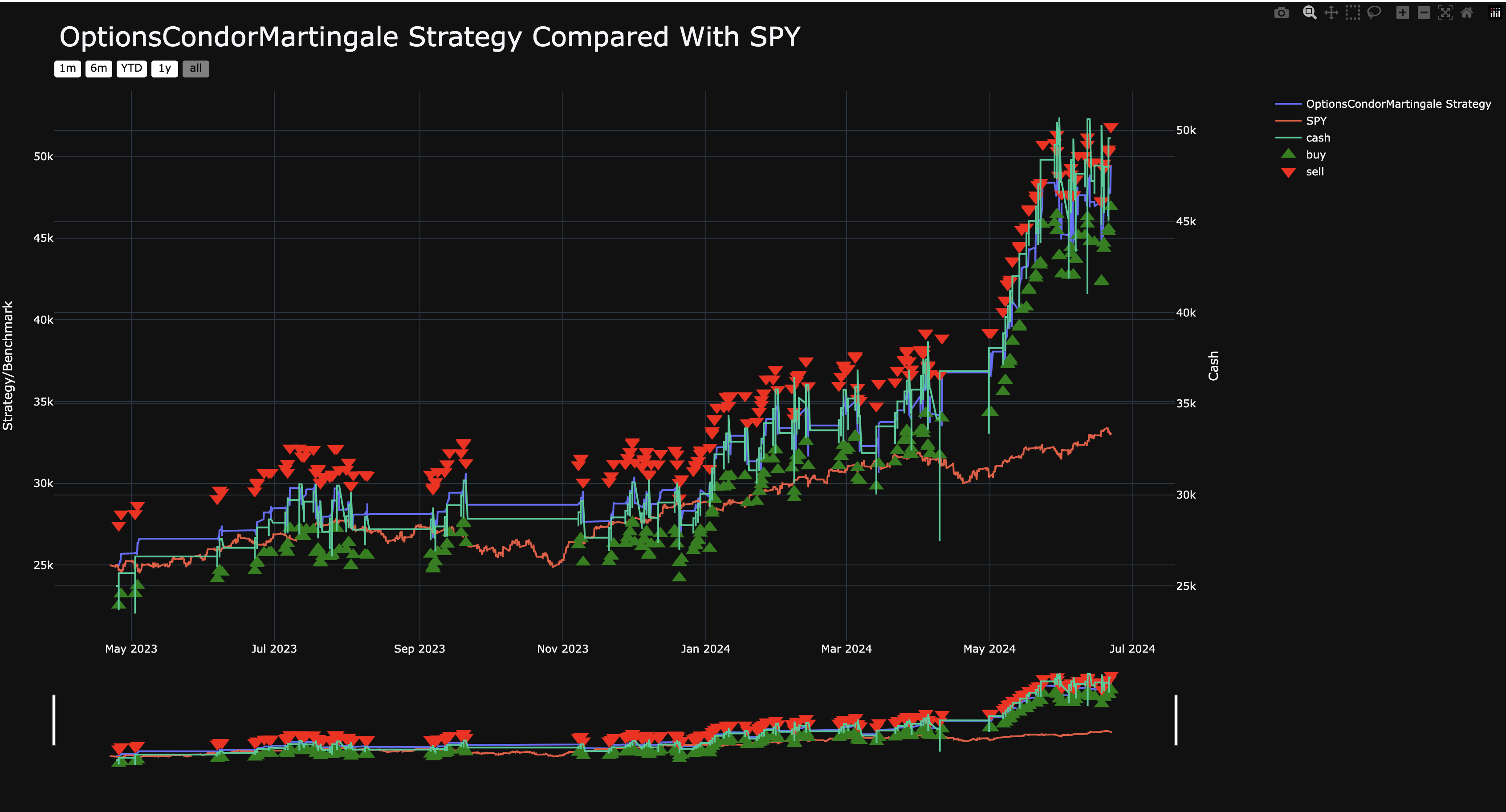
The Trades HTML and Trades CSV files provide detailed information about each trade executed by the strategy. This includes:
Buy and Sell Orders: The times and prices at which buy or sell orders were placed, along with the asset involved (e.g., option strike price or stock ticker).
Cash-Adjusted Portfolio Value: The primary strategy-equity line used for cashflow-correct performance review.
Portfolio Value: The raw account value at each time point.
Cash: The amount of cash available at each time point.
Cash Events
trades.csv / trades.parquet now also contain non-trade cash-impacting events in the same event stream.
Trade rows use
event_kind=trade.Cash rows use
event_kind=cash_event.Cash rows can include: -
cash_event_type(for exampledeposit,withdrawal,interest,fee) -cash_event_amount-cash_event_reason-cash_event_direction-is_external_cash_flow
trades.html renders these cash rows as chart markers so deposits, withdrawals, and financing events are visible in the same review artifact as trade fills.
See also: Cash Accounting
When benchmark_asset=None, the trade CSV is still exported. Without a
benchmark comparison plot it uses the full trade-event format, including
status=fill rows. Disabling a benchmark must not remove execution evidence.
Option Lifecycle Statuses
For options backtests, expiration outcomes are exported as explicit lifecycle events in the trade artifacts.
cash_settled: cash settlement at intrinsic value (used for cash-settled products, such as index options).assigned: short in-the-money physically-settled option assignment at expiration.exercised: long in-the-money physically-settled option exercise at expiration.expired: out-of-the-money expiration (or long ITM contracts that cannot be exercised due to account constraints in simulation).
When physical settlement occurs, LumiBot also writes the underlying delivery row as a separate trade event
(status=fill) with type set to the originating lifecycle event (for example, type=assigned or
type=exercised). This allows downstream charting/reporting systems to distinguish ordinary trades from
assignment/exercise delivery.